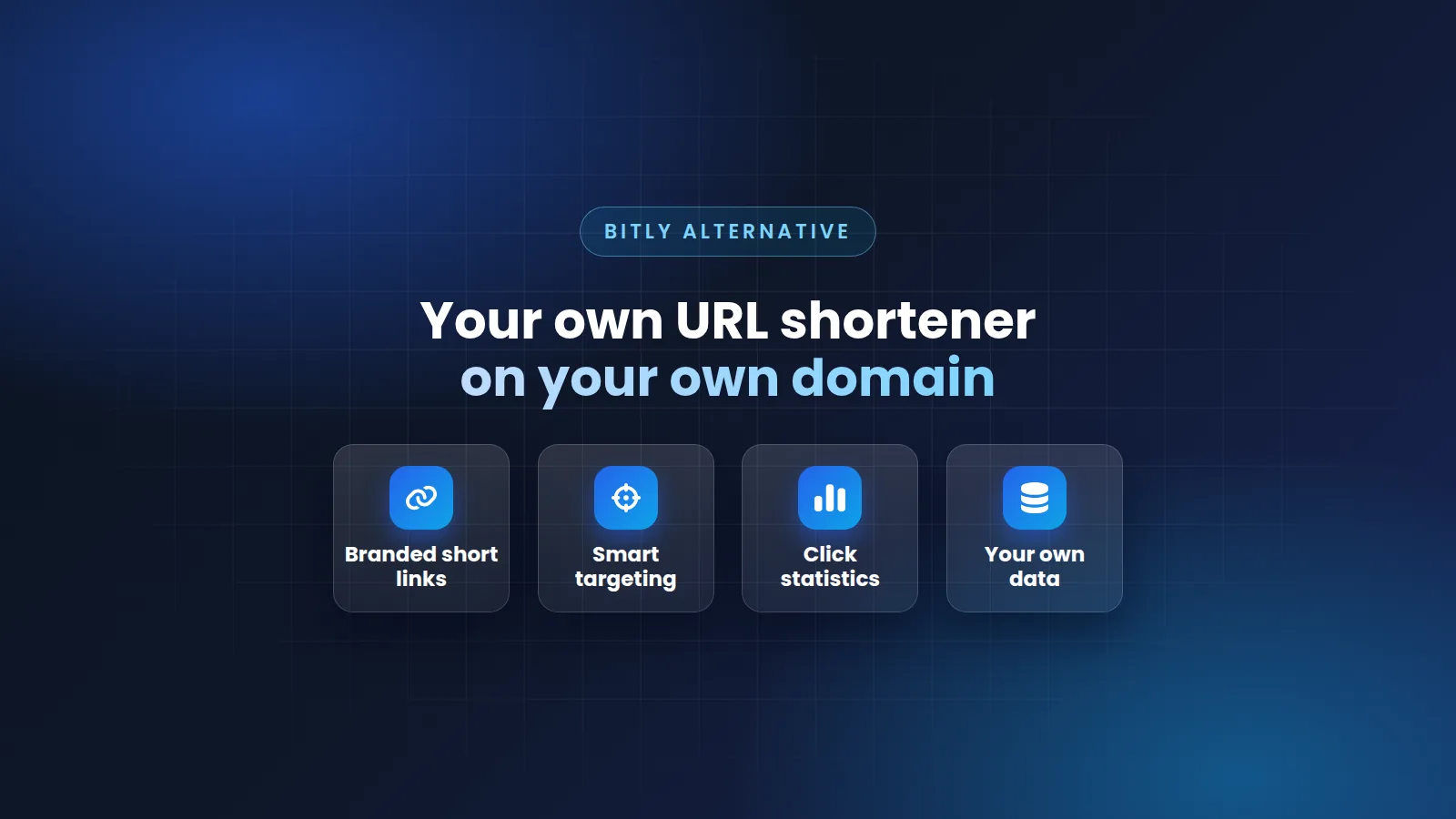
Bitly is a well-known URL shortener. Google also had one, called goo.gl. These are hosted services: another company runs the website, and you use it. Many people search for a "Bitly clone script". A clone script is software that lets you run a similar short-link website yourself, on your own domain. This guide compares a hosted service with your own website.
What happened to goo.gl
Google stopped making new goo.gl short links in 2019. In August 2025, Google stopped many old goo.gl links that people did not use. Many old links in documents and posts no longer open.
This shows an important point. On a hosted service, your links depend on another company. On your own website, your links stay on your domain. They work for as long as you keep the domain and the website.
Hosted service or your own website
A self-hosted script means you install it on your own hosting or server. Read more: What does self-hosted mean?
| Hosted service | Your own website | |
|---|---|---|
| Domain | The company's domain, or your domain on some plans | Your own domains |
| Data | On the company's servers | On your server |
| Cost | Usually a monthly plan | A one-time license plus your hosting |
| Limits | The company sets them | You set them |
| Server work | None | You manage the server and backups |
What you get with Mighty URL Shortener
Mighty URL Shortener is a self-hosted PHP script. You use it to run your own short-link website, like a private Bitly on your own domain.
- Branded short links: Use your own domains. You can add as many short-link domains as you want.
- Click statistics: See the country, city, device, browser, and referring website for every click.
- Smart targeting: Send each visitor to the right page by country, operating system, device type, or device model.
- Link management: Custom aliases, password protection, bundles of links, and editing after you create a link.
- Your own brand: Show your logo and colors on the redirect page.
- Membership plans: Offer free and paid plans to your members, with your own limits and prices.
- Tools for developers: Quick Link, Mass Shrinker, Full Page Script, Bookmarklet, and a Developer API with JSON or plain-text answers.
- Spam protection: Check new links with Google Safe Browsing and PhishTank, block chosen domains, and reject banned words.
Read more: Can I use my own domains for short links? and How does Mighty URL Shortener block spam and phishing links?
Which one is right for you?
- Choose a hosted service if you need only a few links and you do not want to manage a server.
- Choose your own website if you want your own domain, your own data, and no monthly fee for the software. It is also the right choice if you want to offer short links to other people, with your own plans.
- Do you want your members to earn money from their links? Then you need a monetized URL shortener such as AdLinkFly. Read AdLinkFly vs Mighty URL Shortener.
What you need to start
- A URL shortener script, such as Mighty URL Shortener.
- Hosting that meets the requirements of the script. Read how to choose hosting.
- A domain name. A short domain is best for short links. You need more domains if you want several short-link domains.
Try Mighty URL Shortener before you buy
Open the Mighty URL Shortener demo, or see a short link information page. Do you have questions? Ask us before you buy.
Bitly and goo.gl are names of other companies. We are not connected to them.
Article Details
Explore scripts
Browse available PHP scripts and compare pricing, updates, license access, and support details.
View ProductsNeed guidance?
Send us your questions if you need help choosing the right product for your project.
Contact Support