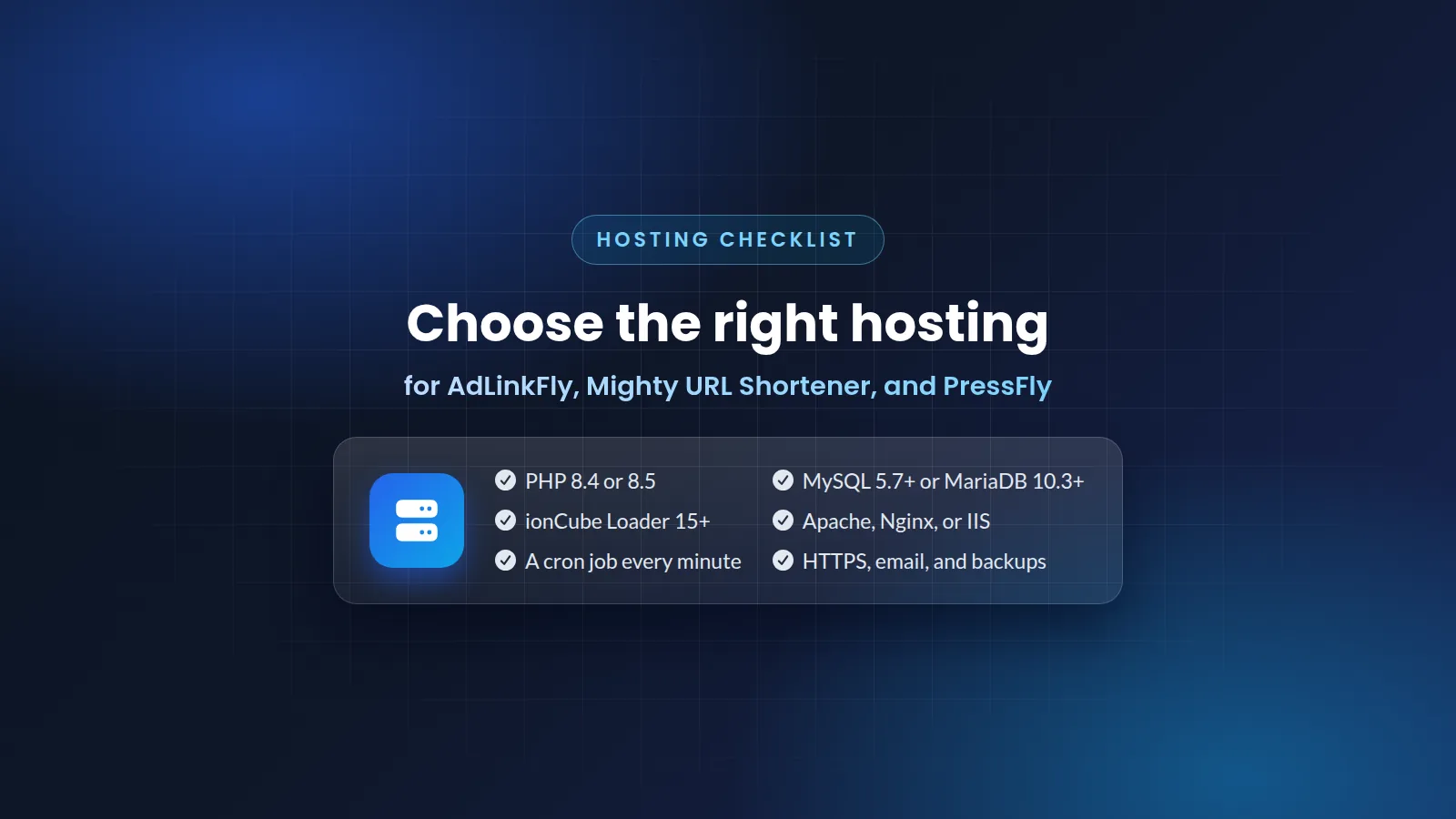
AdLinkFly, Mighty URL Shortener, and PressFly are self-hosted PHP scripts. You install them on your own hosting or server, not on ours. So your hosting decides how well your website works. This guide gives you a simple checklist to use before you pay for hosting. It also helps you choose between shared, VPS, and dedicated hosting.
The requirements (the same for all three scripts)
- PHP 8.4.18 or higher and lower than PHP 8.6.0
- ionCube Loader 15.0 or higher
- Apache with mod_rewrite, Nginx, or IIS using the supplied server template
- MySQL 5.7 or higher, or MariaDB 10.3 or higher
- PHP extensions: pdo_mysql, curl, intl, json, openssl, mbstring, tokenizer, ctype, xml, bcmath, gd, fileinfo
- PHP functions: putenv and getenv
- The ability to run one cron job every minute
The list is the same for AdLinkFly, Mighty URL Shortener, and PressFly. So hosting that meets it can run any of the three scripts.
Checklist: questions to ask a hosting company before you buy
- The right PHP version. The plan must have PHP 8.4 or 8.5 (8.4.18 or higher, and lower than 8.6.0). In many control panels, you can choose the PHP version for each website.
- ionCube Loader 15 or higher. ionCube Loader is a PHP extension that the scripts need to run. Ask if it is installed, or if they can enable it for your PHP version. Read why the scripts need ionCube Loader.
- A cron job every minute. A cron job is a task that your server runs on a schedule. Some plans limit how often cron jobs can run. Check that your plan allows one every minute. Read how the cron job works.
- The putenv and getenv functions. Some hosting companies disable some PHP functions. Ask them to enable these two.
- A supported database and web server. You need MySQL 5.7 or higher, or MariaDB 10.3 or higher. You also need Apache (with mod_rewrite), Nginx, or IIS. See which web servers can run the scripts.
- The PHP extensions in the list above. Most good hosting companies include them. Ask them to be sure.
- HTTPS, email, and backups. You need an SSL certificate for HTTPS and an email account to send emails from your website. You also need regular backups that you can restore. Read what to back up before an update.
Tip: Copy the requirements list above. Send it to the support team of the hosting company before you pay. A good hosting company will give you a clear answer.
Shared, VPS, or dedicated hosting?
All three scripts work on shared, VPS, and dedicated hosting that meets the requirements. Choose by your traffic and your technical skills:
- Shared hosting is the easiest and cheapest way to start. The hosting company manages the server for you. It is good for a new website. But shared plans have more limits, so check every point in the checklist.
- VPS hosting gives you your own virtual server with more power and control. It is good for a growing website. With a managed VPS, the hosting company manages the server. An unmanaged VPS needs Linux knowledge.
- A dedicated server gives you a whole physical server for a very busy website.
Do you plan to use more than one short-link domain with AdLinkFly or Mighty URL Shortener? Then also check that your plan lets you add extra domains to the same website.
Our recommended hosting companies
These are the hosting companies that we recommend, from our hosting list. Some of these links are referral links. Before you buy from any company, check its plan against the checklist above.
Recommended shared hosting
Recommended VPS hosting
- KnownHost
- Hetzner - Get free €20 over the first 60 days (You should have Linux commands knowledge. We can set up the server for free for you)
- DigitalOcean - Get free $200 over the first 60 days (You should have Linux commands knowledge. We can set up the server for free for you)
Recommended dedicated servers
- KnownHost
- Hetzner - Get free €20 over the first 60 days (You should have Linux commands knowledge. We can set up the server for free for you)
- DigitalOcean - Get free $200 over the first 60 days (You should have Linux commands knowledge. We can set up the server for free for you)
Not recommended
- HostGator
Common problems after you install
- A 403 Forbidden error when you save settings. This often comes from a hosting firewall such as ModSecurity. Read how to fix the 403 error.
- Scheduled tasks do not run. This happens when the cron job is missing or runs less often than every minute. Check the cron job in your hosting control panel.
Not sure if your hosting is compatible?
Send us the details of your hosting plan before you buy. We will help you check it against the requirements: ask us a question.
See the scripts: AdLinkFly, Mighty URL Shortener, and PressFly.
Article Details
Explore scripts
Browse available PHP scripts and compare pricing, updates, license access, and support details.
View ProductsNeed guidance?
Send us your questions if you need help choosing the right product for your project.
Contact Support